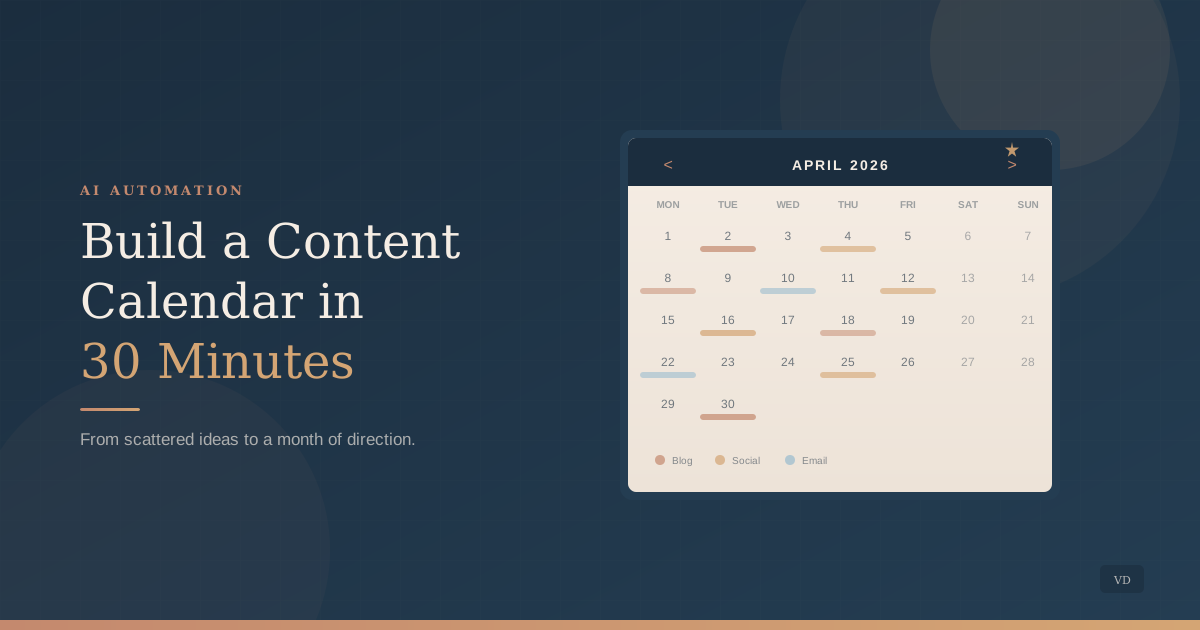
You know you should be posting regularly. You have a folder of half-finished drafts, a notes app full of ideas that felt brilliant at 11 p.m., and a recurring guilt that you are not “showing up” online enough. But every time you sit down to plan what to publish and when, the blank calendar wins. So you post when inspiration strikes, which is rarely, and the cycle resets.
The short version: you can build a full content calendar in 30 minutes using AI by following four steps: brain dump your existing ideas, ask AI to group them into themes, let it build a calendar grid, and then have it draft opening hooks for each post. The rest of this guide walks through exactly how.
Why the Calendar Never Gets Built
Content planning breaks down not because you lack ideas, but because the planning process requires a type of thinking you almost never have bandwidth for. Building a calendar means shifting from reactive mode (answering client emails, managing your team, putting out fires) into strategic mode (thinking weeks ahead about themes, timing, and platforms). That mental gear shift is expensive when you are already running on decision fatigue.
The deeper issue is that most content calendar advice assumes you have a marketing team, or at least a dedicated afternoon each week for content strategy. You do not. Everything runs through you, and marketing is one more thing on the pile. The calendar never gets built because the time it would take to build one properly does not exist in your current week.
AI changes this equation. Not by replacing your judgment about what your audience needs to hear, but by eliminating the blank-page problem and compressing what used to be a half-day exercise into roughly thirty minutes of focused work.
How to Build Your Calendar
Step 1: Brain dump your existing ideas (5 minutes)
Before you open any AI tool, spend five minutes dumping every content idea you have into a single list. Check your notes app, saved articles, questions clients ask repeatedly, and topics you find yourself explaining on discovery calls. Do not organize or evaluate. Just get it out of your head and into one place. This raw list becomes the seed material AI needs to produce results that actually sound like you.
Step 2: Ask AI to find themes and group your ideas (5 minutes)
Feed your brain dump into an AI tool and ask it to identify patterns. It will find three to five natural content themes hiding in your scattered notes, often connections you did not see yourself. These themes become your content pillars: the recurring categories that give your calendar structure without making it feel repetitive.
Copy-paste prompt: Here are my raw content ideas for my [type of business]: [Paste your brain dump list]. Group these into 3-5 content themes. For each theme, suggest 4 specific post topics that would be useful to [describe your audience]. Keep the topics practical and specific, not vague or motivational.
Step 3: Build the calendar grid (10 minutes)
Take your themed topics and ask AI to arrange them into a weekly posting schedule. Specify your posting frequency (once a week is plenty for most service businesses), your preferred platforms, and any dates that matter, like industry events, seasonal patterns, or your own launches. AI distributes topics so you never publish three similar pieces in a row and flags natural tie-ins to seasonal moments you might have missed.
Step 4: Draft opening hooks for each post (10 minutes)
The calendar is only useful if you can execute it. The biggest friction point is staring at a scheduled topic and not knowing how to start writing. Ask AI to draft a two-to-three sentence opening hook for each post on your calendar. You are not asking it to write the full piece. You are asking it to break the blank-page barrier so that when Tuesday arrives and the calendar says “post about X,” you already have a starting point that sounds like your voice.
Copy-paste prompt: For each topic on this content calendar, write a 2-3 sentence opening hook that would make a [describe your audience] stop scrolling. The tone should be [your brand tone, e.g., warm, practical, direct]. Do not use hype or urgency. Start with something that makes the reader think “that is exactly my situation.”
A content calendar is not a creative constraint. It is a decision you make once so you do not have to make it every week.
What to Watch For
AI will suggest topics that are not yours. The calendar it builds is a starting framework, not a finished plan. Read every topic and ask yourself: “Would I actually have something real to say about this?” If the answer is no, replace it. A calendar full of topics you have no lived experience with produces content that sounds hollow and generic.
Posting frequency matters less than you think. One thoughtful post per week that reflects your actual expertise builds more trust than five generic posts that could have come from any competitor. If AI suggests a daily schedule, scale it back to what you will genuinely sustain for three months. Consistency beats volume every time.
Do not skip the brain dump. If you go straight to AI and say “give me content ideas for a [business type],” you will get suggestions that sound like every other business in your industry. Your brain dump is what makes the calendar yours. The scattered ideas in your notes app, the questions clients keep asking, the explanations you repeat on calls: that is the raw material that separates useful content from noise.
Start This Week
Set a timer for five minutes and write down every content idea sitting in your head, your notes, and your saved articles. Feed that list to AI and ask it to find themes. Then let it build your grid and draft your hooks. Thirty minutes gives you a month of direction and a starting point for each post, so you can stop wondering what to publish and focus on the work that actually needs you.
If you want help building a content system that fits your business and your voice, we work with owners who are ready to stop treating marketing as an afterthought.
Start that conversation
About the author
Missy Ross
Missy Ross is the Founder and AI Architect of Vero Dawn, an AI architecture and solutions company that helps businesses see what could work better, determine the right solution, and bring it to life. Before founding Vero Dawn she spent 21 years in internal audit across banking and manufacturing, at Audit Director level.